TL;DR:
- 60% of Australian SMEs face cyber attacks annually, with average losses of $49,600 per incident.
- A secure IT environment relies on layered controls, continuous monitoring, and frameworks like the ACSC Essential Eight.
- Investing in cybersecurity boosts operational efficiency, builds trust, and supports business growth for Brisbane SMEs.
Most Brisbane business owners assume cyber attacks target large corporations. That assumption is costly. 60% of Australian small businesses face cyber attacks every year, with average losses hitting $49,600 per incident. For a small or medium-sized enterprise (SME) in Brisbane, that kind of hit can mean the difference between staying open and closing the doors. A secure IT environment is not just about firewalls and antivirus software. It is about building layered defences, maintaining business continuity, and operating efficiently without constant firefighting. This article explains what a secure IT environment actually means, which frameworks matter most, and the practical steps Brisbane SMEs can take right now.
Table of Contents
- What defines a secure IT environment?
- Why Brisbane SMEs are unique targets
- Essential Eight controls: Practical steps for implementation
- Handling edge cases: Legacy systems, supply chain and insider threats
- Why a secure IT environment is more than risk reduction
- Next steps for securing your Brisbane SME
- Frequently asked questions
Key Takeaways
| Point | Details |
|---|---|
| Essential Eight is key | The Essential Eight framework sets the standard for securing Brisbane SME IT environments and meets insurance requirements. |
| Operational gains | Automating controls like patching and MFA improves efficiency and reduces IT workload by nearly half. |
| Edge case solutions | Legacy systems and supply chain risks can be managed with isolation, vendor enforcement, and continuous vulnerability monitoring. |
| Local threats matter | Brisbane SMEs are uniquely targeted, and the cost of inaction is increased downtime and financial loss. |
What defines a secure IT environment?
A secure IT environment is not a single product or a one-time setup. It is a combination of layered controls, continuous monitoring, and the resilience to recover quickly when something goes wrong. Think of it like a building with multiple locked doors, security cameras, and a fire suppression system. Each layer adds protection, and together they make a breach far less likely and far less damaging.
For Brisbane SMEs, the most relevant framework is the ACSC Essential Eight, a set of eight mitigation strategies developed by the Australian Cyber Security Centre. These strategies are designed to work together, addressing the most common attack vectors in a practical, scalable way. The framework uses maturity levels from zero to three, with Maturity Level 1 being the recommended baseline for most SMEs.
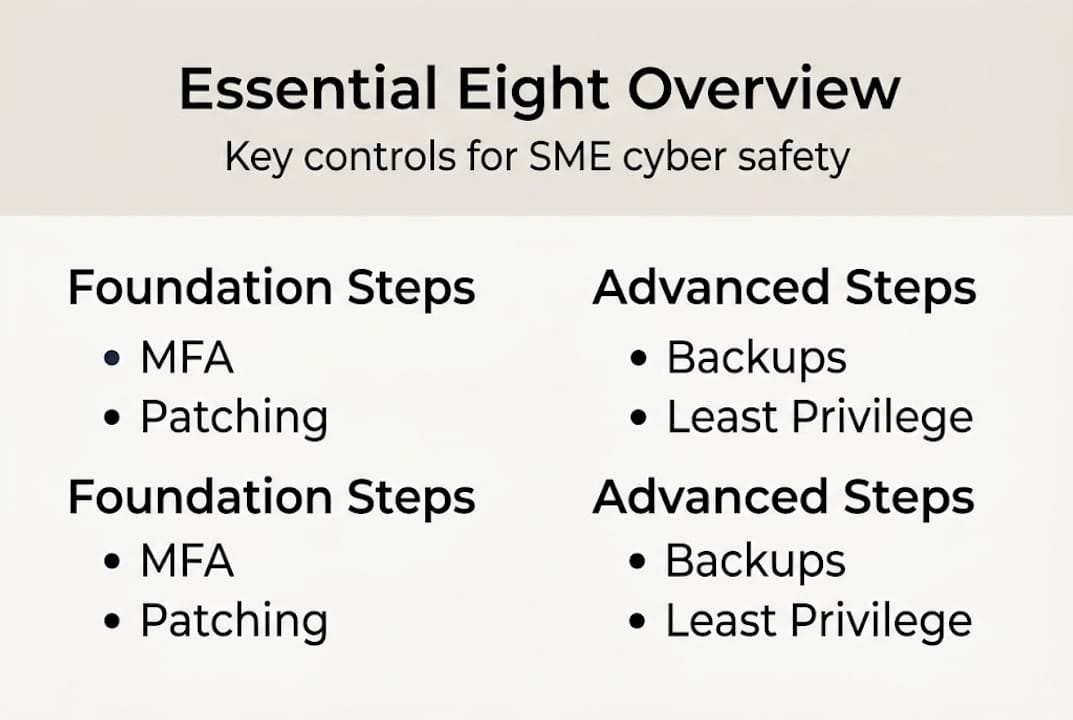
Maturity Level 1 is increasingly required for cyber insurance eligibility and regulatory compliance in industries like healthcare, legal, and financial services. Reaching it is not as complex as it sounds, but it does require a structured approach rather than ad hoc fixes.
Here is a quick comparison of Essential Eight controls versus basic, unstructured security measures:
| Control area | Basic approach | Essential Eight (Level 1) |
|---|---|---|
| Software patching | Manual, infrequent | Automated, within 30 days |
| Multi-factor authentication | Optional | Mandatory for all users |
| Backups | Occasional, untested | Regular, tested, offsite |
| Admin privileges | Broadly assigned | Restricted to need |
| Application control | None | Approved apps only |
| Macro settings | Default (open) | Restricted or disabled |
| User application hardening | Minimal | Browser and app settings locked |
| Incident response | Reactive | Defined and practised |
Beyond the framework itself, a secure environment also means your team understands computer security strategies and that data security for Brisbane businesses is treated as an ongoing practice, not a project with a finish line. Reaching Essential Eight compliance gives you a measurable, defensible standard to work toward and maintain.
Key characteristics of a genuinely secure IT environment include:
- Automated patch management across all devices and software
- Multi-factor authentication (MFA) on every account with internet access
- Tested, encrypted backups stored separately from your main network
- Restricted administrative privileges based on job role
- Documented incident response procedures your team has actually rehearsed
Why Brisbane SMEs are unique targets
With a framework in mind, it is vital to understand how Brisbane SMEs are uniquely exposed to threats and why investing in security pays off.
Many business owners still believe attackers only go after big companies with large data sets. The reality is quite different. Cybercriminals increasingly target SMEs precisely because they tend to have weaker defences, less IT staff, and valuable data such as client records, financial information, and intellectual property. Brisbane SMEs are not collateral victims. They are deliberate targets.
The financial consequences go well beyond the ransom or theft itself. Operational downtime, lost client trust, regulatory fines, and the cost of recovery all compound quickly. 60% of Australian SMEs face attacks annually, with average losses of $49,600 per incident.
| Impact category | Typical cost range for Brisbane SMEs |
|---|---|
| Ransomware recovery | $10,000 to $80,000+ |
| Data breach notification | $5,000 to $30,000 |
| Operational downtime | $2,000 to $15,000 per day |
| Reputational damage | Difficult to quantify, often ongoing |
| Regulatory fines | Up to $50,000 for serious breaches |
Regulation is tightening too. The Australian Privacy Act amendments and sector-specific rules now place real obligations on SMEs to protect client data. Insurers are following suit. Many cyber insurance policies now require evidence of minimum cyber maturity, often aligned with Essential Eight Level 1, before they will pay out on a claim.
“Cyber attacks are not just an IT problem. For Brisbane SMEs, a single incident can trigger a chain reaction affecting operations, finances, client relationships, and legal standing all at once.”
Common misconceptions that leave Brisbane SMEs exposed include:
- “We are too small to be a target” (size is irrelevant to automated attacks)
- “Our antivirus handles everything” (antivirus alone covers a fraction of attack vectors)
- “We had an IT person set things up years ago, so we are fine” (threat landscapes change constantly)
- “A breach would not affect our reputation” (clients now expect and demand data protection)
For practical SME cybersecurity guidance, the US Cybersecurity and Infrastructure Security Agency also offers useful benchmarks that translate well to the Australian context.
Essential Eight controls: Practical steps for implementation
To address these risks with confidence, here are the Essential Eight controls Brisbane SMEs should prioritise, and how to implement them efficiently.
Prioritising MFA, patching, and backups delivers the quickest wins for both security and operational efficiency. These three controls alone address the majority of successful attack methods used against SMEs today.
Automated patching and MFA reduce manual IT workload by 40 to 50%, which means your team spends less time on repetitive maintenance and more time on work that actually moves the business forward.
Here is a practical implementation sequence for Essential Eight Level 1:
- Enable MFA on all accounts Start with email and cloud platforms. Use an authenticator app rather than SMS where possible, as SMS can be intercepted.
- Automate patch management Deploy a patch management tool that updates operating systems and applications within 30 days of release. Critical patches should be applied within 48 hours.
- Set up tested backups Follow the 3-2-1 rule: three copies of data, on two different media types, with one stored offsite or in the cloud. Test restoration monthly.
- Restrict admin privileges Audit who has administrative access right now. Remove it from anyone who does not need it for their daily role. Use separate admin accounts for IT tasks.
- Control which applications can run Implement application whitelisting so only approved software can execute on your systems. This stops most malware in its tracks.
- Harden user applications Disable macros in Microsoft Office unless they are signed and necessary. Lock down browser settings to block malicious scripts.
- Patch third-party applications Do not forget software like Adobe, browsers, and plugins. These are frequently exploited entry points.
- Configure Microsoft Office macro settings Set macros to disabled by default and enable only for specific, verified business needs.
For easy cyber security improvements that do not require a large IT team, automation is your best friend. Tools that handle patching, MFA enforcement, and backup scheduling remove human error from the equation.
Pro Tip: A managed service provider can take you from Level 1 to Level 2 maturity without hiring additional internal staff. The managed network benefits include 24/7 monitoring, faster incident response, and access to security expertise that would cost significantly more to build in-house.
Common mistakes to avoid include skipping backup testing (a backup you have never restored is not a backup), ignoring admin privilege audits, and treating MFA as optional for senior staff.
Handling edge cases: Legacy systems, supply chain and insider threats
Even with strong controls, tricky edge cases still need extra attention, especially for Brisbane SMEs relying on older infrastructure or multiple vendors.
Legacy systems, vendor MFA enforcement, and least privilege principles are the three pillars for managing complex environments. Each requires a specific approach.
Legacy systems are older software or hardware that cannot be easily updated or replaced. The key is isolation: segment these systems onto their own network so that if they are compromised, the damage cannot spread. Use a vendor-supplied security checklist and apply whatever patches are available, even if full support has ended.
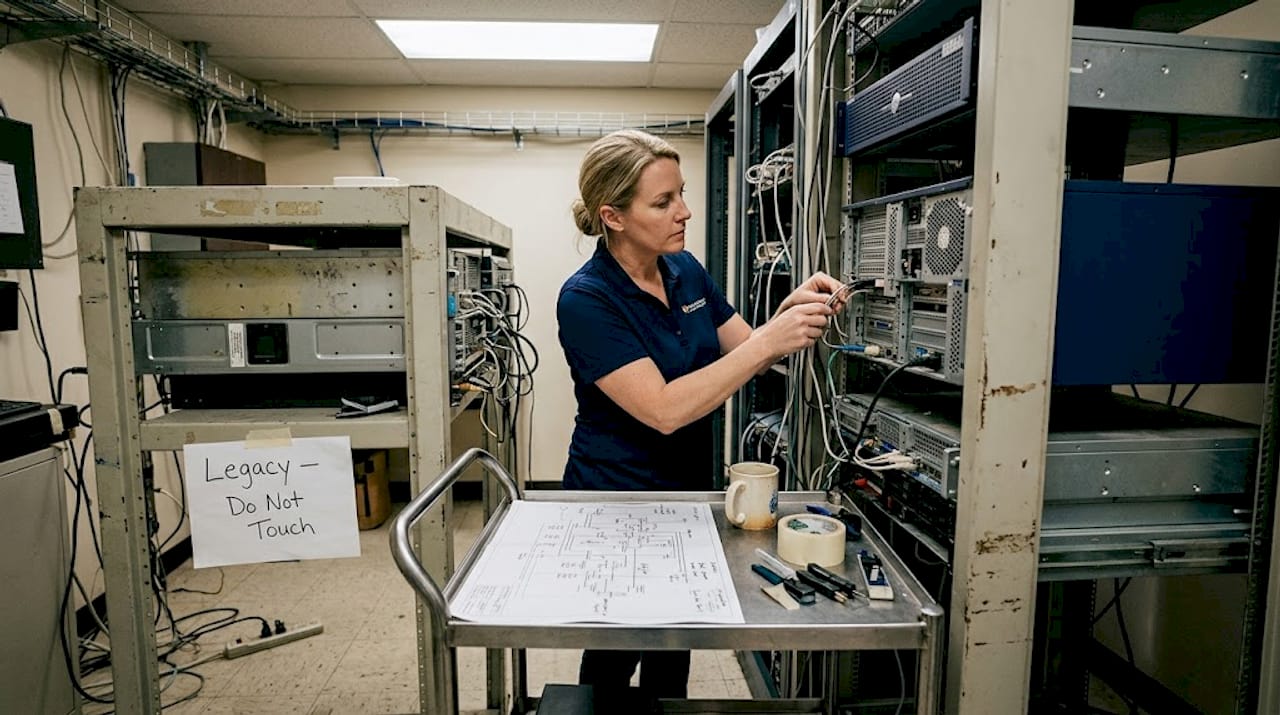
Supply chain risks are growing. Your security is only as strong as the weakest vendor with access to your systems. Require all third-party suppliers to meet minimum security standards, enforce MFA for any vendor with remote access, and review supplier access rights regularly. For protecting sensitive data, vendor access should always be time-limited and logged.
Insider threats are often unintentional but can be just as damaging as external attacks. Apply the least privilege principle: every user gets only the access they need to do their job, nothing more. Combine this with activity logging so unusual behaviour is flagged early.
For a structured approach to hardening your environment, a Microsoft OS security checklist provides a useful starting point for Windows-based environments.
Key actions for managing edge cases:
- Segment legacy systems onto isolated network zones
- Enforce MFA and access reviews for all third-party vendors
- Apply least privilege access across all user accounts
- Enable activity logging and set alerts for unusual access patterns
- Conduct continuous vulnerability scanning rather than relying on annual assessments
Pro Tip: Continuous vulnerability management, where your systems are scanned regularly and findings are actioned promptly, is far more effective than a once-a-year penetration test. Threats evolve weekly, and so should your awareness of your own exposure.
Why a secure IT environment is more than risk reduction
Most conversations about cybersecurity frame it as a cost or a compliance burden. We think that framing misses the bigger picture entirely.
When Brisbane SMEs invest in a genuinely mature security environment, they are not just reducing risk. They are building operational capacity. Automated patching and MFA reduce manual IT workload by 40 to 50%, and mature frameworks cut incident response time from weeks to days. That is time and money redirected into growth, not recovery.
We have seen it repeatedly with clients who move from reactive IT management to a structured, automated security posture. The firefighting stops. Staff spend less time dealing with IT disruptions and more time on their actual work. Decision-makers get clearer visibility into their systems and can plan with confidence rather than anxiety.
Security maturity also signals trustworthiness to clients, partners, and insurers. In competitive industries like legal, financial services, and healthcare, demonstrating that you meet or exceed Essential Eight Level 1 is increasingly a differentiator, not just a checkbox.
The businesses that treat security as a strategic investment, rather than a grudge purchase, are the ones that scale without the chaos. For a broader view of how top cyber security providers approach this strategically, the contrast with reactive approaches is stark.
Security done right does not slow you down. It gives you the stable foundation to move faster.
Next steps for securing your Brisbane SME
If this article has made one thing clear, it is that a secure IT environment is not optional for Brisbane SMEs in 2026. It is a business necessity. The good news is that you do not have to figure it out alone.
IT Start works with Brisbane SMEs across industries to build practical, scalable security environments aligned with Essential Eight and beyond. Whether you need a starting-point assessment, help with cyber security solutions, or support migrating to secure cloud services for SMEs, our team brings local expertise and real-world experience to every engagement. The right support means less downtime, stronger compliance, and an IT environment that actually supports your business goals. Reach out to IT Start to book a free assessment and find out where your business stands today.
Frequently asked questions
What is the Essential Eight framework and why does it matter for Brisbane SMEs?
The Essential Eight is a set of mitigation strategies from the Australian Cyber Security Centre designed to improve cybersecurity maturity. Level 1 is the recommended minimum for most Brisbane SMEs and is increasingly required for cyber insurance eligibility and regulatory compliance.
How does automating IT controls increase operational efficiency?
Automated patching and MFA cut manual IT workload by up to 50%, freeing your team to focus on business priorities rather than repetitive maintenance tasks.
Can older IT infrastructure still be secured effectively?
Yes. Legacy systems need isolation and vendor-supplied security checklists, while Zero Trust principles and continuous monitoring help close the gaps that patching alone cannot address.
What are the main risks if I ignore security for my SME?
Ignoring IT security exposes your business to ransomware, data loss, and extended downtime. Average losses for Australian SMEs hit $49,600 per cyber attack, and that figure does not include reputational damage or regulatory penalties.
Recommended
- Practice Cyber Security for Brisbane SMEs: Step-by-Step Guide – IT Start
- How to Secure Business Data for Brisbane SMEs – IT Start
- How to Protect Sensitive Data for Brisbane SMEs – IT Start
- How to Improve Cyber Security for Brisbane SMEs Easily – IT Start
- Top 7 advantages of software compliance for small businesses