
Cybercrime now costs Queensland small and medium businesses significantly more than ever before, with average costs up by 14% impacting operations and profitability. Cloud computing offers tremendous benefits for SMEs, but introduces unique security challenges that demand careful attention. Understanding how to protect your data effectively in cloud environments isn’t optional anymore. This guide walks you through practical strategies Queensland business owners and IT managers can implement immediately to secure cloud data, reduce risk, and maintain compliance in 2026.
Table of Contents
- Understand Your Cloud Security Responsibilities And Risks
- Build A Layered Cloud Security Strategy
- Maintain And Verify Your Cloud Security Posture Regularly
- Choose Expert Cloud And Cyber Security Support
- FAQ
Key takeaways
| Point | Details |
|---|---|
| Shared responsibility requires action | Cloud providers secure infrastructure, but you must protect data, identities, and configurations actively |
| Layered security blocks most attacks | Combining encryption, zero trust, and threat sharing prevents 99% of breach attempts effectively |
| Regular verification prevents breaches | Continuous monitoring, audits, and updates sustain protection and catch vulnerabilities early |
| Misconfiguration remains biggest risk | Improper settings cause more breaches than sophisticated attacks for Queensland SMEs |
Understand your cloud security responsibilities and risks
Moving to cloud computing shifts how you think about security. Under the shared responsibility model, your cloud provider secures the underlying infrastructure like servers, networks, and physical data centres. You remain responsible for protecting your data, managing user identities, configuring security settings correctly, and maintaining your applications. Many Queensland SMEs mistakenly assume their provider handles everything, leaving critical gaps.
Misconfiguration represents the most dangerous threat facing SMEs today. Simple errors like leaving storage buckets publicly accessible, failing to enable multi-factor authentication, or using default security settings create easy entry points for attackers. Phishing attacks targeting your employees remain prevalent, tricking staff into revealing credentials that grant access to cloud resources. Ransomware specifically targets cloud backups, encrypting both production systems and recovery options simultaneously if not properly isolated.
Before implementing security measures, establish foundational knowledge. Create an inventory of all cloud services your business uses, including shadow IT that departments might have adopted independently. Document what data lives where, who has access, and what compliance requirements apply. Understanding your current cloud usage reveals where vulnerabilities exist and helps prioritise protection efforts for securing data in the cloud effectively.
Key risk areas Queensland SMEs must monitor include:
- Unauthorised access from stolen or weak credentials
- Data exposure through misconfigured permissions and public access settings
- Insider threats from current or former employees with excessive privileges
- Insufficient encryption leaving data readable if intercepted or accessed improperly
- Inadequate backup isolation allowing ransomware to encrypt recovery copies
- Compliance violations from improper data handling or storage locations
Recognising these risks allows you to address them systematically rather than reactively after an incident occurs.
Build a layered cloud security strategy
No single security technology provides complete protection against modern threats. A layered approach combines multiple defensive measures, ensuring that if one layer fails, others continue protecting your data. Research demonstrates that combining encryption, zero trust, and threat sharing blocks 99% of attacks when implemented properly. This defence in depth strategy proves especially effective for SMEs with limited security resources.
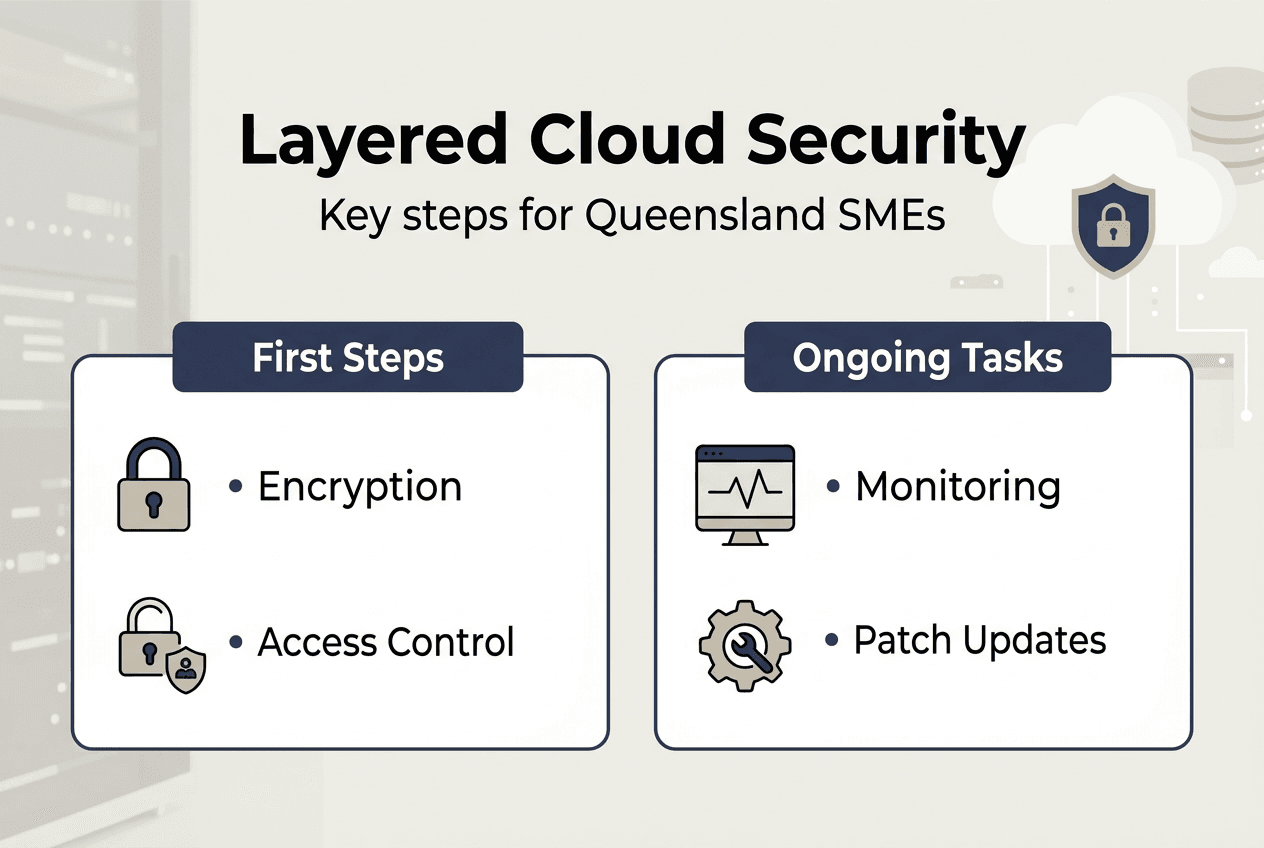
Encryption forms your first critical layer. Encrypt data both in transit between your systems and the cloud, and at rest when stored in cloud environments. Modern cloud platforms offer built-in encryption options that require minimal configuration. Ensure you control encryption keys rather than relying solely on provider-managed keys, giving you ultimate authority over data access. Implement encryption for databases, file storage, backups, and any sensitive information processed in cloud applications.

Zero trust architecture assumes no user or device is trustworthy by default, regardless of location. Every access request requires verification through strong authentication, typically multi-factor authentication combining passwords with mobile app confirmations or hardware tokens. Limit user permissions strictly to what each role requires, following least privilege principles. Segment your cloud environment so compromising one area doesn’t grant access to everything. Zero trust dramatically reduces your attack surface by eliminating implicit trust.
Threat intelligence sharing connects your defences to broader security communities. Subscribe to threat feeds specific to your industry and region, receiving alerts about new attack patterns targeting Queensland businesses. Many cloud providers offer integrated threat detection services that analyse unusual behaviour patterns across your environment. Collaborative, layered security strategies enhance resilience and reduce breach costs significantly when incidents occur.
Implement these layers systematically:
- Enable encryption for all cloud storage and transmission using provider tools or third-party solutions
- Deploy multi-factor authentication across every cloud service and administrative account without exception
- Configure identity and access management with role-based permissions following least privilege principles
- Implement network segmentation isolating sensitive workloads from general business systems
- Subscribe to threat intelligence feeds relevant to your industry and integrate alerts into monitoring
- Deploy endpoint protection on all devices accessing cloud resources including mobile phones
- Establish automated security monitoring that alerts on suspicious activities or configuration changes
Pro Tip: Prioritise strong authentication methods like hardware security keys or authenticator apps over SMS-based codes, which remain vulnerable to SIM swapping attacks targeting Queensland business owners.
This table compares security measure effectiveness:
| Security Approach | Attack Prevention Rate | Implementation Complexity | Ongoing Maintenance |
| — | — | — |
| Encryption alone | 60-70% | Low | Minimal |
| Zero trust alone | 75-85% | Medium | Moderate |
| Combined layered strategy | 95-99% | Medium-High | Moderate |
| Basic passwords only | 20-30% | Very Low | Minimal |
The data clearly shows layered approaches deliver substantially better protection despite requiring more initial effort. For cloud security in cyber security contexts, this investment pays dividends through reduced breach likelihood and impact.
Maintain and verify your cloud security posture regularly
Building strong security represents only the starting point. Threats evolve constantly, new vulnerabilities emerge in software, and your business needs change over time. Maintaining effective protection requires ongoing verification, updates, and monitoring to ensure defences remain robust. Queensland SMEs that treat security as a one-time project rather than continuous process face significantly higher breach risks.
Continuous monitoring detects threats and anomalies in real time. Configure automated alerts for suspicious activities like unusual login locations, mass data downloads, permission changes, or failed authentication attempts. Review these alerts promptly rather than letting them accumulate unexamined. Many breaches succeed because warning signs went unnoticed for weeks or months. Robust security architecture requires regular updates in complex cloud environments to address emerging threats effectively.
Schedule quarterly security audits reviewing configurations, access permissions, and compliance with your security policies. Remove accounts for departed employees immediately, not eventually. Verify that encryption remains enabled across all systems and that backup isolation prevents ransomware from reaching recovery data. Test your incident response plan through tabletop exercises, ensuring your team knows exactly how to respond when issues arise.
Patch management prevents attackers from exploiting known vulnerabilities. Enable automatic updates where possible for operating systems, applications, and security tools. For systems requiring manual patching, establish a schedule ensuring critical updates deploy within days of release, not weeks. Small and medium business cybercrime costs continue rising, making proactive maintenance essential for reducing breach impact and recovery expenses.
This comparison illustrates proactive versus reactive security approaches:
| Approach | Initial Cost | Breach Likelihood | Average Breach Cost | Business Disruption |
| — | — | — | — |
| Proactive maintenance | Moderate | Low (5-10%) | Minimal if occurs | Brief |
| Reactive response | Low initially | High (40-60%) | Substantial | Extended |
| Hybrid approach | Moderate-High | Medium (15-25%) | Moderate | Moderate |
Proactive security clearly costs less over time despite higher upfront investment, particularly when factoring in breach recovery expenses and operational disruption.
Best practices for maintaining cloud security include:
- Conduct monthly reviews of user access rights removing unnecessary permissions immediately
- Test backup restoration quarterly ensuring recovery processes actually work when needed
- Update security policies annually reflecting business changes and new compliance requirements
- Train staff semi-annually on current phishing tactics and security awareness
- Perform vulnerability scans monthly identifying weaknesses before attackers exploit them
- Review cloud service configurations quarterly catching misconfigurations early
- Maintain detailed logs for at least 90 days supporting incident investigation and compliance
Pro Tip: Automation tools dramatically simplify ongoing compliance and monitoring for data security cloud computing Brisbane businesses, handling routine checks while alerting you only when intervention is required.
Choose expert cloud and cyber security support
Implementing and maintaining comprehensive cloud security requires specialised expertise that many Queensland SMEs lack internally. IT Start delivers tailored cloud services and cyber security solutions designed specifically for small and medium businesses across Brisbane and Queensland. Our team understands the unique challenges local businesses face, from compliance requirements to budget constraints, and builds security strategies that actually fit your operations.
We handle the complex technical details so you can focus on running your business confidently. From initial security assessments identifying current vulnerabilities to ongoing monitoring and maintenance, our proactive approach keeps your cloud data protected against evolving threats. Contact IT Start today for a personalised security assessment and discover how expert support transforms your cloud security posture effectively.
FAQ
How do SMEs handle shared responsibility with cloud providers?
SMEs must recognise that providers secure infrastructure while customers protect data, identities, and configurations. Document exactly what your provider manages versus what you control, then implement appropriate security measures for your responsibilities. Regular audits verify both parties fulfil their obligations correctly.
What are the most common mistakes leading to cloud data breaches?
Misconfigured security settings cause more breaches than sophisticated attacks for Queensland SMEs. Leaving storage publicly accessible, failing to enable multi-factor authentication, using default passwords, and granting excessive user permissions create easy entry points. Regular configuration reviews catch these errors before exploitation occurs.
How often should cloud security settings be reviewed?
Quarterly reviews represent the minimum frequency for comprehensive security audits. Monthly checks of user access rights and permissions catch issues faster. Critical systems or those handling sensitive data warrant weekly monitoring. Automated tools can perform continuous verification, alerting you only when intervention is needed.
What quick steps reduce the risk of ransomware in the cloud?
Enable multi-factor authentication immediately across all accounts. Isolate backups so ransomware cannot encrypt them alongside production data. Implement least privilege access limiting what each user can reach. Train staff to recognise phishing attempts that deliver ransomware initially. These steps collectively block most ransomware attack vectors effectively.
Does encryption alone secure cloud data effectively?
Encryption protects data confidentiality but doesn’t prevent unauthorised access if attackers steal valid credentials. Combine encryption with strong authentication, access controls, monitoring, and regular audits for comprehensive protection. Layered security consistently outperforms single-measure approaches against modern threats targeting Queensland businesses.