TL;DR:
- Modern IT service desks are strategic, comprehensive functions that manage all IT processes.
- Key metrics like FCR, MTTR, and CSAT help measure service desk performance.
- Virtual or centralised models are ideal for Brisbane SMBs seeking flexible, scalable support.
Many Brisbane SMBs assume IT support is just about fixing computers when something breaks. That assumption is costing them time, money, and competitive ground. The modern IT service desk is far more than a repair service. It is a structured, strategic function that manages every aspect of your technology environment, from routine requests to complex incident resolution. Understanding what a service desk actually does, how it differs from a basic help desk, and how to measure its performance gives you a genuine edge. This article walks you through definitions, structures, real-world metrics, and practical steps to get more from your IT investment.
Table of Contents
- What is an IT service desk?
- Core processes: What does an IT service desk do?
- Service desk structures for Brisbane SMBs
- Measuring IT service desk success: What good looks like
- Why Brisbane SMBs should think beyond the help desk
- Level up your IT support with expert help
- Frequently asked questions
Key Takeaways
| Point | Details |
|---|---|
| Service desk defined | An IT service desk is a central hub managing IT requests and incidents, beyond just help desk fixes. |
| Core processes | Incident, request, problem, and change management are all covered by a modern service desk. |
| Best structure for SMBs | Virtual or centralised service desks deliver efficient support for Brisbane businesses of all sizes. |
| Success metrics | Use FCR, MTTR, SLA adherence, self-service, and CSAT to judge your desk’s value. |
| Strategic advantage | Proactive service desks help your business scale smoothly and prevent costly IT disruptions. |
What is an IT service desk?
Most business owners use “help desk” and “service desk” interchangeably. They are not the same thing, and the difference matters enormously for how your business runs.
According to Gartner’s definition, an IT service desk is a centralised support function serving as the single point of contact (SPOC) for users to report incidents, submit service requests, and receive IT assistance. That single point of contact piece is critical. Instead of staff emailing different people, calling different numbers, or guessing who handles what, everything flows through one structured channel.
A help desk, by contrast, is largely reactive. Someone has a problem, they log a ticket, someone fixes it. That is the beginning and end of the interaction. Understanding help desk roles helps clarify why this narrower scope often falls short as your business grows.
A service desk takes a broader view. It handles:
- Incident management: Restoring normal service as quickly as possible after an unexpected disruption
- Service requests: Routine needs like software access, password resets, or new hardware setups
- Problem management: Investigating the root causes of recurring issues so they stop happening
- Change enablement: Managing updates, patches, and system changes in a controlled, low-risk way
- Communication: Keeping your team informed during outages or major changes
For a growing Brisbane SMB, this distinction is not academic. A reactive help desk keeps the lights on. A proactive service desk keeps the business moving forward. When your IT function can anticipate problems, manage change safely, and handle requests efficiently, your staff spend less time waiting and more time working.
“The service desk is not just a support function. It is the face of IT to the business, and its effectiveness directly shapes how your team perceives technology as an enabler or a barrier.”
If your current IT arrangement only kicks in when something breaks, you are running a help desk, not a service desk. And for most Brisbane SMBs aiming to scale, that gap matters.
Core processes: What does an IT service desk do?
With the basics covered, let us get specific about what modern service desks do daily for your business.
The ITIL processes that underpin a well-run service desk include four core areas. ITIL stands for IT Infrastructure Library, which is the globally recognised framework for IT service management. Here is how each process plays out in practice:
- Incident management: A staff member cannot access a critical file. The service desk logs the incident, categorises it by priority, assigns it to the right technician, and tracks resolution. The goal is to restore service fast, not necessarily to understand why it happened.
- Service request fulfilment: A new team member needs a laptop configured and access to three software platforms. The service desk handles the full workflow, from provisioning to delivery, without pulling your managers into the process.
- Problem management: Your accounting software crashes every Tuesday morning. Incident management fixes it each time, but problem management digs into why it keeps happening. Root cause analysis prevents recurrence rather than just patching symptoms.
- Change enablement: Your IT team needs to roll out a major software update across 30 workstations. Change enablement ensures this happens with minimal disruption, proper testing, rollback plans, and communication to affected staff.
“Core ITIL processes include Incident Management, Service Request Fulfilment, Problem Management, and Change Enablement, each designed to restore, fulfil, prevent, and improve.”
These four processes work together. Incidents get resolved quickly. Requests get handled smoothly. Problems get eliminated. Changes get managed safely. The result is a business that runs on IT rather than fighting it.
Pro Tip: Even small Brisbane businesses benefit from documenting these processes internally. A simple runbook for common requests, like onboarding a new employee or resetting access, can save hours each week and dramatically reduce errors. This is the foundation of proactive IT support.
Service desk structures for Brisbane SMBs
Understanding what a service desk does is useful, but how they are structured, and which is right for you, matters just as much.
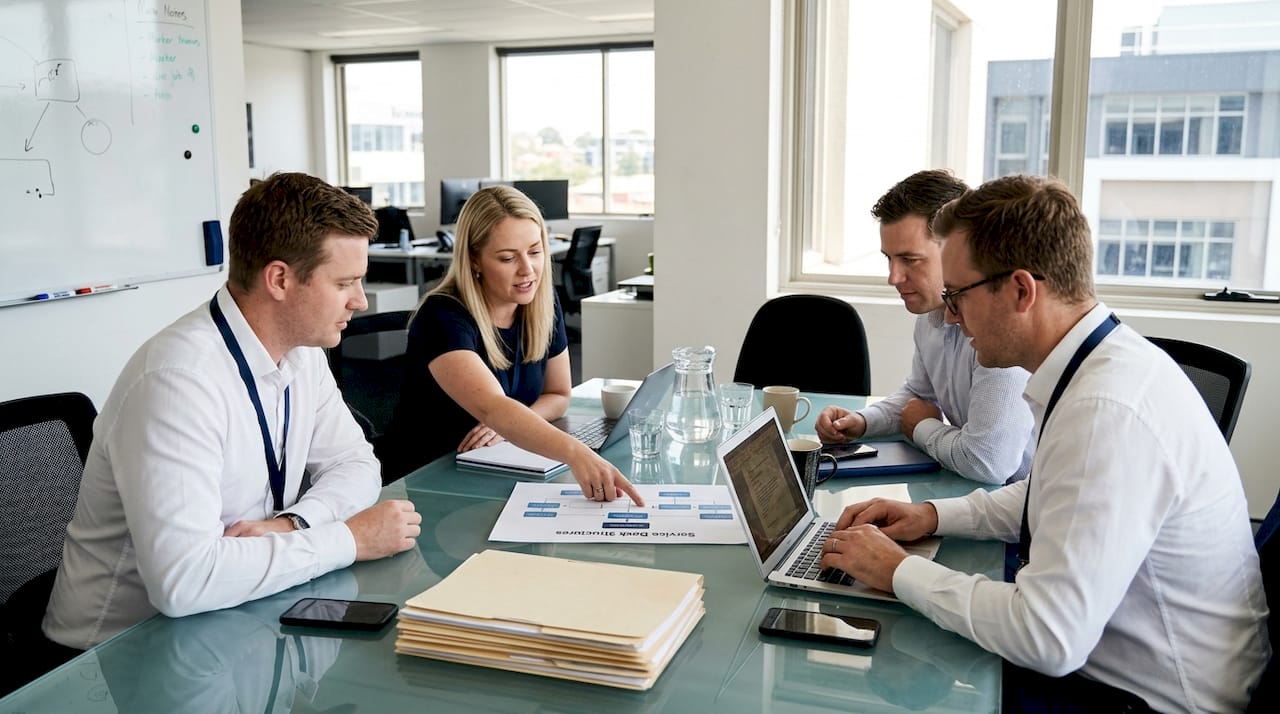
Service desk models generally fall into three categories, each with distinct advantages depending on your team size, location, and budget.
| Structure | Best suited for | Key advantage | Consideration |
|---|---|---|---|
| Centralised | Small, co-located teams | Consistent processes, easy oversight | Less flexible for remote staff |
| Virtual | Remote or hybrid teams | Flexible, scalable, cost-effective | Requires strong communication tools |
| Local | Multi-site businesses | On-site presence at each location | Higher cost, harder to standardise |
For most Brisbane SMBs, a virtual or centralised model delivers the best value. Remote IT support has matured significantly, and most issues can be resolved without a technician physically present. Virtual service desks also scale easily as your team grows, without the overhead of additional on-site staff.
When choosing a structure, consider these factors:
- Team size: Smaller teams benefit from centralised support where one provider manages everything
- Work arrangement: Hybrid and remote teams need virtual support that operates across locations and time zones
- Support hours: Do you need after-hours coverage? Virtual models often make this more affordable
- Growth plans: If you are planning to hire or expand, choose a structure that scales without major restructuring
Many Brisbane SMBs also find that comparing managed IT support against in-house options clarifies which structure fits their budget and risk profile. Reviewing your IT support options before committing to a model is time well spent.
The wrong structure creates friction. The right one becomes invisible, quietly keeping your business running while your team focuses on what they do best.
Measuring IT service desk success: What good looks like
Once your service desk is running, you will want to know if it is performing. Here is how to measure success.
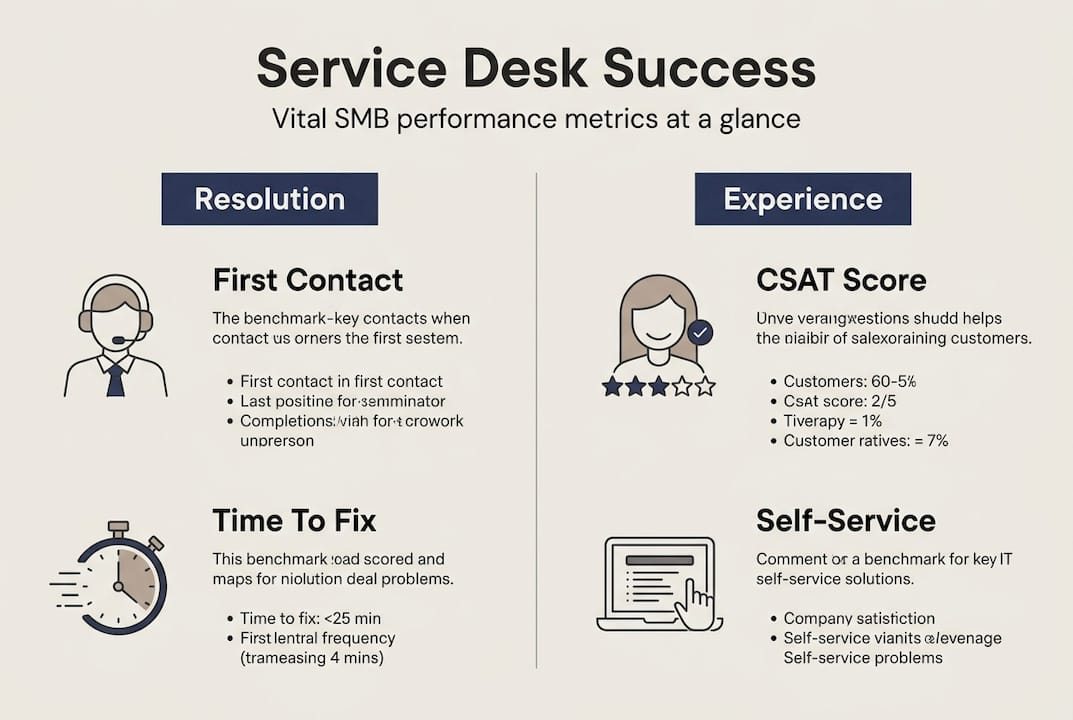
Tracking the right metrics separates a service desk that feels busy from one that actually delivers value. Service desk statistics show that high-performing desks consistently hit specific benchmarks, and knowing these numbers gives you a clear picture of where your IT support stands.
| Metric | What it measures | SMB benchmark |
|---|---|---|
| First Contact Resolution (FCR) | Issues resolved on first contact | 75 to 80% |
| Mean Time To Resolution (MTTR) | Average time to close an incident | Under 15 hours |
| SLA adherence (Priority 1) | Critical issues resolved within agreed time | 92% |
| Self-service deflection rate | Issues resolved without agent involvement | 30 to 70% |
| Customer Satisfaction (CSAT) | User satisfaction with support received | 85% or above |
These key SMB benchmarks give you a practical baseline. If your FCR sits below 70%, your team is spending too much time on follow-up. If MTTR exceeds 15 hours regularly, your prioritisation process needs attention.
Self-service deflection is worth special attention. When users can reset their own passwords, access a knowledge base, or submit structured requests without agent involvement, your service desk team focuses on higher-value work. A deflection rate between 30 and 70% is realistic for most SMBs and signals a well-designed self-service portal.
CSAT is your gut-check metric. Numbers can look fine on paper, but if your staff feel frustrated every time they need IT help, something is wrong. Regular satisfaction surveys, even simple one-question pulse checks, surface problems before they become cultural issues.
Pro Tip: Review these metrics quarterly rather than annually. Quarterly reviews let you spot trends early, adjust priorities, and demonstrate the value of your IT investment to stakeholders. Linking these numbers to operational efficiency goals makes the business case for continued investment much stronger.
Why Brisbane SMBs should think beyond the help desk
Most local SMBs we speak with have some form of IT support in place. The problem is that many have stopped at a basic help desk and called it done. That approach is understandable, but it quietly limits growth.
Help desks are tactical. They fix what is broken. Service desks are strategic. They prevent breakdowns, manage change, align IT with business goals, and create the kind of stable, scalable technology environment that lets you grow without constantly firefighting. The service desk evolution from reactive break-fix to proactive ITSM hub is precisely what separates businesses that scale smoothly from those that hit IT ceilings.
Here is the uncomfortable truth: every hour your staff spend waiting for IT issues to be resolved is an hour not spent on revenue-generating work. A well-run service desk does not just reduce downtime. It changes how your team relates to technology. IT becomes a tool they trust rather than a source of frustration.
For Brisbane SMBs looking to unlock business IT growth, the shift from help desk to service desk thinking is often the single highest-leverage change available. The proactive IT support advantages go beyond cost savings. They include faster onboarding, smoother audits, stronger compliance posture, and a team that spends less time frustrated and more time productive. The difference between a service desk and help desk is not just terminology. It is a fundamentally different philosophy about what IT is for.
Level up your IT support with expert help
If you are ready to move past reactive IT support, here is how to take the next step.
At IT Start, we work with Brisbane SMBs to design, implement, and optimise IT service desk functions that match your team size, budget, and growth plans. Whether you are starting from scratch or looking to improve what you already have, our business IT support services are built around your operational goals, not just your tickets. We also offer cloud services that integrate seamlessly with modern virtual service desk models, giving your team reliable access wherever they work. Ready to find out what a properly structured service desk could do for your business? Contact our experts for a no-obligation assessment today.
Frequently asked questions
What is the difference between a help desk and a service desk?
A help desk is reactive, focused on troubleshooting individual issues, while a service desk covers broader IT processes including proactive ITSM functions that align technology with business efficiency and growth.
Which service desk structure suits Brisbane SMEs best?
Virtual or centralised service desks are usually the best fit, offering cost-effective, flexible support for both on-site and remote teams. Centralised or virtual models suit the majority of Brisbane SMBs well.
What are key metrics for measuring service desk performance?
Track First Contact Resolution (target 75 to 80%), Mean Time To Resolution (under 15 hours), SLA adherence, self-service deflection rates, and CSAT. These SMB performance benchmarks give you a clear picture of service quality.
Do SMEs need a physical service desk?
Most do not. Virtual service desks deliver quality support at lower cost and are well suited to flexible, hybrid, and remote teams common in Brisbane SMBs today.
Recommended
- IT Support Benefits Explained: Value for Brisbane SMEs – IT Start
- Business IT support for Brisbane SMEs: unlock growth – IT Start
- Proactive IT support advantages for Brisbane SMBs in 2026 – IT Start
- Unlock operational efficiency with proactive IT support in 2026 – IT Start
- Project timeline management guide: proven steps for SMBs | Teambuilt Blog