
If you’re a Brisbane SMB owner tired of constant IT firefighting and surprise expenses, you’re not alone. Many businesses operate without a strategic technology plan, leading to inefficiencies and security gaps. An IT roadmap changes this by aligning your technology investments with business goals, enabling proactive decision making that reduces downtime and strengthens cybersecurity. This guide explains what an IT roadmap is, why your business needs one, and how to build a practical plan that drives growth.
Table of Contents
- What Is An IT Roadmap? Definition And Purpose
- Why Do SMBs Need An IT Roadmap?
- Key Components Of An Effective IT Roadmap
- Incorporating Cybersecurity In Your IT Roadmap
- Common Misconceptions About IT Roadmaps
- How To Build And Maintain Your IT Roadmap
- How IT Start Supports Your IT Roadmap Journey
- What Is An IT Roadmap?
Key takeaways
| Point | Details |
|---|---|
| Strategic IT planning reduces reactive costs | An IT roadmap aligns technology with business goals over 6, 12, and 24 months, preventing wasteful spending and downtime. |
| Cybersecurity integration strengthens protection | Including security upgrades and risk management in your roadmap helps SMBs stay ahead of evolving threats. |
| Regular updates keep roadmaps relevant | Reviewing your IT roadmap every 6 to 12 months ensures it adapts to changing business needs. |
| Local expertise simplifies implementation | Partnering with Brisbane IT providers like IT Start delivers responsive, tailored support for roadmap success. |
What is an IT roadmap? definition and purpose
An IT roadmap is a strategic plan that guides how your business uses and invests in technology. Rather than reacting to problems as they arise, a roadmap aligns IT decisions with business objectives over specific timeframes.
Think of it as your digital compass. Without one, you’re navigating technology choices blindly, often overspending on solutions that don’t fit your needs. A well structured roadmap typically spans:
- Short term priorities (6 months): immediate fixes and quick wins
- Medium term goals (12 months): system upgrades and efficiency improvements
- Long term vision (24 months): scalability planning and strategic investments
Your roadmap should detail timelines, system upgrades, cybersecurity measures, and resource allocation. This helps you prioritise IT initiatives based on business value and urgency rather than what’s screaming loudest that day.
For Brisbane SMBs, this means moving from constant crisis management to confident, planned technology decisions. You’ll know exactly when to upgrade servers, migrate to cloud platforms, or enhance security measures. Every technology choice supports your broader business strategy, whether that’s expanding to new markets, improving customer service, or ensuring regulatory compliance.
The beauty of creating an IT roadmap lies in its flexibility. While it provides structure, you can adjust priorities as your business evolves. This balance between planning and adaptability makes roadmaps essential for SMBs operating in dynamic markets.
Why do SMBs need an IT roadmap?
Reactive IT management costs Brisbane businesses dearly. When you’re constantly fighting fires, you’re not only wasting money but also missing opportunities for growth.
Consider these common scenarios. Your server crashes during peak hours, halting operations. An employee clicks a phishing email because security training never happened. You discover your software licences expired, forcing rushed renewals at premium prices. Each reactive decision compounds inefficiency.
Australian SMBs with IT roadmaps prevent costly reactive spending and significantly reduce system outages. Research shows businesses can cut IT wastage by up to 30% through proactive planning. That’s substantial savings redirected toward growth initiatives.
Here’s what changes with a roadmap:
- Planned upgrades prevent emergency replacements
- Scheduled maintenance reduces unexpected downtime
- Budget certainty replaces surprise IT expenses
- Security measures deploy before breaches occur
- Technology scales alongside business growth
“Without a roadmap, SMBs typically overspend on quick fixes while underspending on strategic investments that drive long term value.”
The IT support benefits for Brisbane businesses extend beyond cost savings. You gain predictability, allowing accurate budgeting and resource planning. Your team spends less time troubleshooting and more time focusing on core business activities.
Proactive IT planning also strengthens your competitive position. While competitors scramble to fix problems, you’re implementing innovations that improve customer experience and operational efficiency. This strategic advantage compounds over time, creating separation between leaders and followers in your industry.
Key components of an effective IT roadmap
Building a roadmap requires understanding its essential elements. Each component serves a specific purpose in creating a comprehensive technology strategy.
Effective IT roadmaps include current IT assessment, business aligned objectives, realistic timelines, and resource allocation. Let’s break down what your roadmap must contain:
1. Current state assessment
Document your existing infrastructure, software, hardware, and cybersecurity posture. Identify what’s working, what’s outdated, and where vulnerabilities exist. This baseline informs every subsequent decision.

2. Business aligned objectives
Your IT goals must support business goals. If you’re planning market expansion, your roadmap should include scalable systems. If compliance is critical, prioritise security and documentation capabilities.
3. Prioritised initiatives
Not everything happens at once. Rank initiatives by:
- Business impact (revenue, efficiency, risk reduction)
- Implementation complexity
- Resource requirements
- Dependencies (what must happen first)
4. Realistic timelines and milestones
| Timeline | Focus | Example initiatives |
|---|---|---|
| 0 to 6 months | Quick wins, critical fixes | Patch management, basic security training |
| 6 to 12 months | Major upgrades, optimisations | Cloud migration, system consolidation |
| 12 to 24 months | Strategic investments | Advanced automation, disaster recovery |
5. Budget and resource allocation
Assign costs to each initiative, including licensing, hardware, implementation services, and ongoing maintenance. Factor in both capital expenses and operational costs.
6. Risk management and compliance
Identify regulatory requirements and industry standards your business must meet. Build compliance checkpoints into your timeline to avoid last minute scrambles.
Pro tip: Involve stakeholders from across your business early in roadmap development. Sales teams, operations managers, and finance staff often identify technology needs IT teams might miss. This cross functional input ensures your roadmap serves the entire organisation, not just IT requirements.
Incorporating cybersecurity in your IT roadmap
Cybersecurity can’t be an afterthought. For Brisbane SMBs, cyber risks escalate without proactive planning, especially when resources are limited.
Your roadmap should schedule security upgrades, policy updates, and employee training as core components, not optional extras. This systematic approach ensures protection strengthens continuously rather than reacting to breaches.
Here’s how to integrate security effectively:
- Conduct regular vulnerability assessments (quarterly minimum)
- Schedule software and firmware updates during planned maintenance windows
- Implement progressive security layers: firewalls, endpoint protection, email filtering
- Plan employee security awareness training sessions
- Establish backup and disaster recovery testing schedules
- Document incident response procedures and review annually
Consider compliance requirements specific to your industry. Healthcare providers need different security measures than financial services firms. Your roadmap should reflect these unique obligations, scheduling audits and updates to maintain certification.
IT Start’s cyber security solutions demonstrate how integrated security planning reduces vulnerabilities. Rather than bolting on protection after implementing new systems, you build security into every technology decision from the start.
Regular review cycles catch evolving threats early. Cybercriminals constantly develop new attack methods. A quarterly security review within your roadmap ensures your defences adapt to emerging risks rather than remaining static.
Pro tip: Prioritise layered security approaches over single point solutions. If one defence fails, others provide backup protection. This defence in depth strategy significantly reduces breach likelihood. Combine technical controls (firewalls, encryption) with administrative controls (policies, training) and physical controls (access restrictions) for comprehensive coverage.
Common misconceptions about IT roadmaps
Several myths prevent Brisbane SMBs from adopting roadmaps. Let’s clear up these misunderstandings.
Misconception: IT roadmaps are static technology project lists
Reality: A roadmap is a dynamic strategic plan tied directly to business goals. It evolves as your business changes, balancing long term vision with tactical flexibility.
Misconception: Roadmaps add complexity and extra costs
Reality: They reduce wasted spending by preventing reactive purchases and ensuring technology investments deliver measurable value. The planning time investment pays dividends through avoided crises.
Misconception: Roadmaps are one off documents
Reality: Effective roadmaps require regular updates, typically every 6 to 12 months. Market conditions change, new technologies emerge, and business priorities shift. Your roadmap must reflect these realities.
Misconception: Only large enterprises need IT roadmaps
Reality: SMBs benefit significantly precisely because of resource constraints. When every dollar counts, strategic planning prevents costly mistakes. You can’t afford to waste money on misaligned technology.
Misconception: Building a roadmap requires extensive IT expertise
Reality: While technical knowledge helps, the process focuses on business strategy. Many successful SMB roadmaps result from collaboration between business leaders and trusted IT partners who translate business needs into technology solutions.
Treat your IT roadmap as a living document. Schedule quarterly reviews to assess progress, adjust timelines, and reprioritise initiatives based on changing circumstances. This continuous improvement approach keeps your technology strategy relevant and effective.
How to build and maintain your IT roadmap
Ready to create your roadmap? Follow these practical steps to develop a plan tailored to your Brisbane SMB.
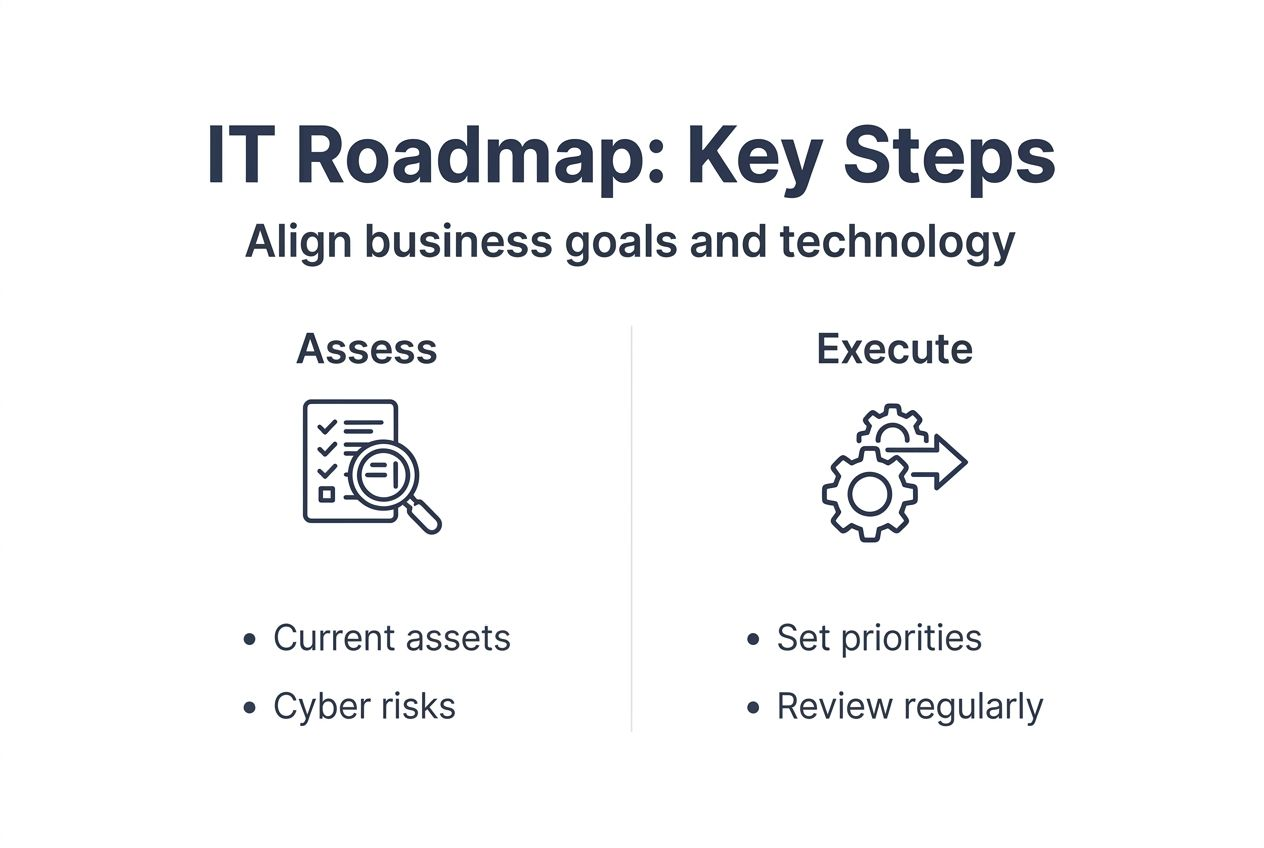
Step 1: Assess current IT assets and infrastructure
Inventory everything: servers, workstations, software licences, network equipment, and security tools. Document age, condition, and performance issues. Identify gaps where technology fails to support business needs.
Step 2: Define business aligned IT priorities
Meet with department heads to understand their challenges and goals. What technology limitations slow them down? What capabilities would unlock new opportunities? Translate these insights into specific IT objectives.
Step 3: Develop timelines, milestones, and budgets
Comprehensive IT roadmaps include aligned initiatives, clear timelines, and regular reviews. Create a phased implementation plan:
| Phase | Duration | Focus | Budget allocation |
|---|---|---|---|
| Stabilise | 0 to 6 months | Fix critical issues, patch vulnerabilities | 30% |
| Optimise | 6 to 12 months | Improve efficiency, upgrade key systems | 40% |
| Transform | 12 to 24 months | Strategic investments, innovation | 30% |
Step 4: Integrate cybersecurity strategies
Embed security throughout your roadmap rather than treating it separately. Every initiative should include security considerations from planning through implementation.
Step 5: Implement in manageable phases
Avoid disrupting operations with simultaneous changes. Roll out initiatives sequentially, allowing time to stabilise each before starting the next. This reduces risk and enables learning from early phases.
Step 6: Schedule regular reviews and updates
Quarterly reviews assess:
- Progress against milestones
- Budget variance and explanations
- Changed business priorities requiring roadmap adjustments
- New technologies worth evaluating
- Lessons learned and process improvements
Pro tip: Collaborate with trusted local IT partners to leverage expertise and ease roadmap management. Business IT support services from Brisbane providers offer the technical knowledge SMBs need without hiring full time specialists. This partnership approach delivers enterprise level planning at SMB friendly costs.
How IT Start supports your IT roadmap journey
Creating and maintaining an effective IT roadmap requires expertise many Brisbane SMBs lack internally. That’s where IT Start helps.
We work with Brisbane businesses to design roadmaps aligned with your specific goals and constraints. Our team brings years of experience across industries, translating your business needs into practical technology strategies.
Our business IT support services include roadmap development, implementation support, and ongoing reviews to keep your plan current. We handle the technical complexity while you focus on running your business.
Need to migrate to the cloud? Our cloud services integrate seamlessly with your roadmap, improving scalability and reliability without disrupting operations.
Security concerns? IT Start’s cyber security solutions embed robust protection throughout your technology infrastructure, scheduled and implemented according to your roadmap priorities.
Pro tip: Local Brisbane expertise means responsive support when you need it. We understand Queensland regulations, local market conditions, and the specific challenges Brisbane SMBs face.
What is an IT roadmap?
What is an IT roadmap and why does my SMB need one?
An IT roadmap is a strategic plan that aligns your technology investments with business goals over 6 to 24 months. Your SMB needs one to move from reactive firefighting to proactive planning, reducing costs and improving efficiency. It prevents wasted spending on misaligned technology while ensuring systems scale with your growth.
How often should I update my IT roadmap?
Review your roadmap every 6 to 12 months to ensure it stays relevant as business priorities and market conditions change. Quarterly check ins assess progress and identify needed adjustments. Major business changes like expansion, mergers, or new service offerings may trigger immediate updates.
Can I create an IT roadmap without internal IT expertise?
Yes, many Brisbane SMBs successfully develop roadmaps by partnering with local IT providers. These experts translate your business needs into technical strategies, handling the complexity while you provide business direction. This collaboration delivers professional results without hiring full time IT staff.
How does an IT roadmap improve cybersecurity?
A roadmap schedules proactive security upgrades, policy updates, and training before breaches occur. It ensures regular vulnerability assessments, timely patching, and layered defence implementation. By planning security initiatives strategically, you reduce vulnerabilities and meet compliance requirements systematically rather than reactively.
What are common mistakes to avoid when building an IT roadmap?
Avoid treating your roadmap as a one time static document that sits unused after creation. Don’t skip stakeholder input from across your business, as this leads to misaligned priorities. Never ignore security integration or fail to establish realistic budgets. Finally, avoid perfectionism that delays starting; begin with a basic roadmap and refine it through regular reviews.