
Keeping sensitive client details safe is a constant challenge for financial services firms in Brisbane. The risk of unauthorised access and data loss grows as more businesses rely on cloud platforms for storing and processing information. With the Australian Privacy Principles outlining strict requirements for data management and security, gaining a clear view of your cloud environment is now a necessity, not a preference. This article helps you identify weaknesses, strengthen controls, and maintain compliance across every stage of cloud security.
Table of Contents: 5-Step Cloud Security Guide for Aussie Businesses
- Step 1: Assess Current Data Sensitivity And Cloud Usage
- Step 2: Configure Secure Cloud Access And Permissions
- Step 3: Implement Advanced Encryption And Backup Policies
- Step 4: Monitor Activity And Enforce Security Protocols
- Step 5: Audit And Test Compliance Regularly
Quick Summary
| Significant Insight | Detailed Explanation |
|---|---|
| 1. Conduct Regular Data Sensitivity Assessments | Regularly assess and map data sensitivity to identify potential risks associated with your business information. |
| 2. Implement Role-Based Access Control | Establish role-based access permissions to ensure employees have access only to necessary data, enhancing security. |
| 3. Employ Strong Encryption Practices | Use robust encryption methods for data at rest and in transit to protect sensitive information from cyber threats. |
| 4. Monitor Cloud Environment Continuously | Set up real-time monitoring and alerts for suspicious activities to detect and respond promptly to potential security incidents. |
| 5. Regularly Audit Compliance and Security | Perform continuous compliance audits and security assessments to maintain strong cybersecurity practices and identify vulnerabilities. |
Step 1: Assess current data sensitivity and cloud usage
Securing your business’s data in the cloud starts with a comprehensive assessment of your current data landscape. This crucial first step helps you understand exactly what types of information your organisation stores and how sensitive those data assets are.
Begin by conducting a thorough data mapping exercise to categorise your digital assets. Review all data across different cloud platforms and storage systems, classifying information according to its sensitivity level. The Australian Privacy Principles provide clear guidelines for managing personal information, which is critical for this assessment.
Your data sensitivity audit should include these key areas:
- Customer Personal Information: Names, contact details, financial records
- Financial Data: Transaction records, payroll information
- Intellectual Property: Strategic documents, proprietary research
- Compliance Documents: Regulatory records, legal contracts
For each data category, evaluate the potential impact if the information were compromised. Assign risk levels ranging from low (public information) to high (sensitive personal or financial data). This granular approach allows you to develop targeted security strategies for different data types.
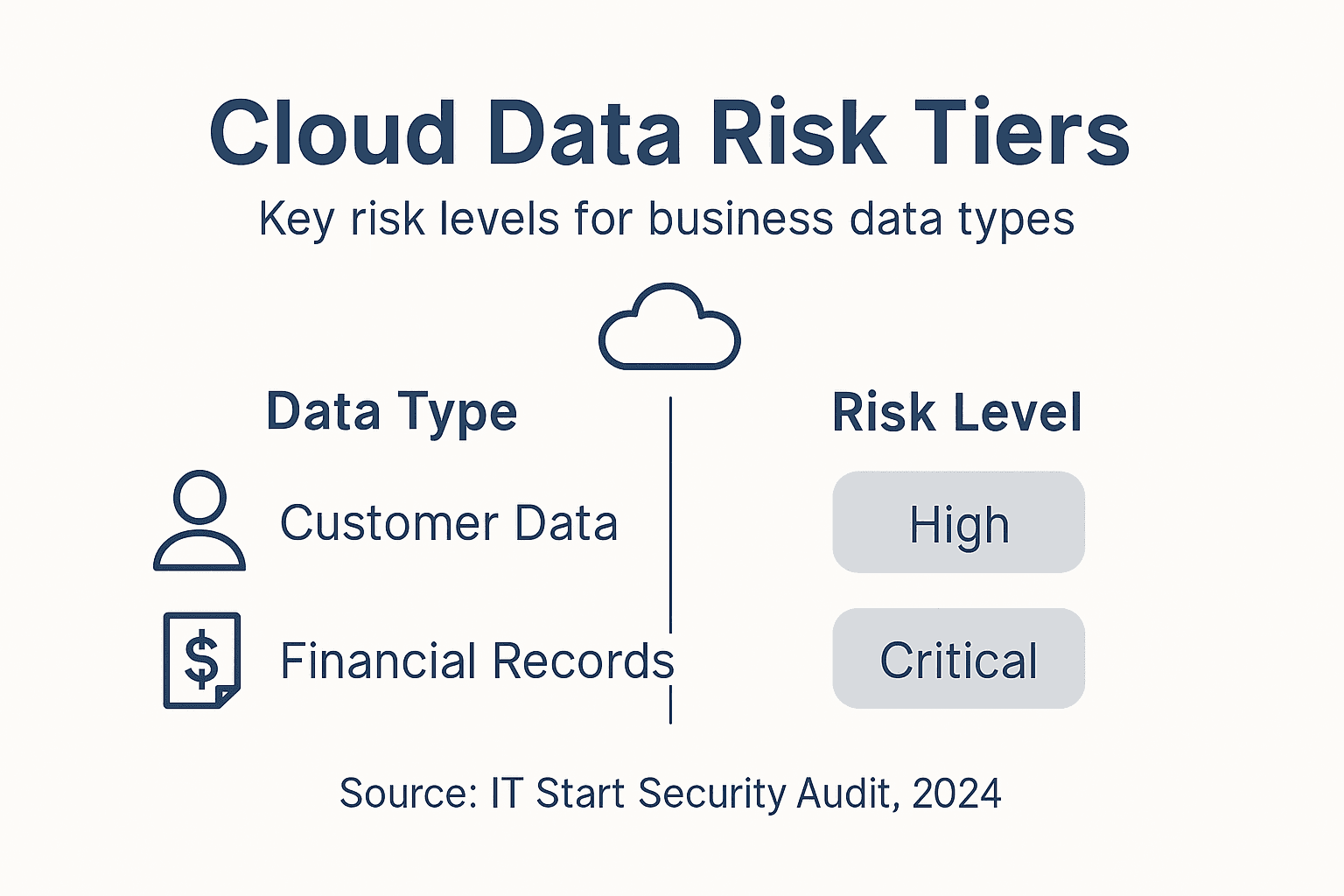
The following table summarises the main risk levels for common business data types and the related impact of a breach:
| Data Type | Typical Sensitivity Level | Impact if Compromised |
|---|---|---|
| Customer Personal Info | High | Identity theft, legal penalties |
| Financial Records | High | Fraud, financial loss |
| Intellectual Property | Medium to High | Competitive disadvantage |
| Compliance Documents | Medium | Regulatory breach, fines |
Pro tip: Conduct this assessment annually and after any significant organisational changes to maintain an up-to-date understanding of your data ecosystem.
Step 2: Configure secure cloud access and permissions
Securing your cloud environment requires implementing robust access controls that protect sensitive business data from potential security breaches. This step focuses on creating a strategic approach to managing user permissions and access rights across your cloud platforms.
Start by implementing role-based access control that aligns with your organisation’s structure. The NSW Cyber Security Policy recommends enforcing least privilege principles, which means employees should only have access to the specific data and systems required for their job functions. Break down your access configuration into clear, manageable steps:
- Define specific user roles within your organisation
- Assign granular permissions based on job responsibilities
- Implement multi-factor authentication for all user accounts
- Create detailed access logs to track system interactions
- Regularly review and audit user permissions
Ensure your access management strategy covers critical security dimensions. Each user account should require strong authentication methods, with priority given to sensitive systems handling financial or personal information. Monitoring and logging access attempts helps identify potential security vulnerabilities before they can be exploited.
Consistently applying strict access controls is your first line of defence against potential data breaches.
Pro tip: Automate your permission review process by scheduling quarterly access audits to ensure your cloud security remains up-to-date and aligned with current organisational structures.

Step 3: Implement advanced encryption and backup policies
Protecting your business’s digital assets requires a comprehensive approach to encryption and data backup that goes beyond basic security measures. This critical step involves implementing robust strategies to safeguard your most sensitive information from potential cyber threats.
The Australian Cyber Security Posture Report emphasises the importance of comprehensive encryption strategies across data environments. Your encryption approach should cover multiple dimensions of data protection:
- Encrypt data at rest in all cloud storage systems
- Implement end-to-end encryption for sensitive communications
- Use strong encryption protocols for financial and personal records
- Create encrypted backups stored in separate geographic locations
- Rotate encryption keys regularly to maintain security
Develop a multi-layered backup strategy that ensures business continuity. This means creating redundant backup systems with different storage locations, implementing automatic backup schedules, and testing recovery processes periodically. Each backup should be encrypted and stored securely to prevent unauthorised access.
Your data backup strategy is not just about storage but about ensuring rapid recovery during potential cyber incidents.
Pro tip: Conduct quarterly disaster recovery simulations to validate your encryption and backup policies, ensuring your team can quickly restore critical systems during an actual emergency.
Step 4: Monitor activity and enforce security protocols
Effective cloud security requires continuous vigilance and proactive monitoring of your digital environment. This critical step involves implementing comprehensive systems to track, analyse, and respond to potential security incidents in real-time.
Cyber.gov.au provides guidance on developing robust monitoring strategies that go beyond simple log collection. Your security monitoring approach should encompass multiple layers of protection:
- Set up automated security alerts for suspicious activities
- Implement real-time access monitoring across cloud platforms
- Create detailed user activity logs
- Establish clear incident response protocols
- Configure anomaly detection systems
Develop a comprehensive security dashboard that provides instant visibility into your cloud environment. This means integrating various monitoring tools that can track user behaviours, system access, and potential security vulnerabilities. Regular review of these logs helps identify potential threats before they can escalate.
This table highlights how each layer of cloud security monitoring contributes to overall protection:
| Security Layer | Purpose | Benefit to Business |
|---|---|---|
| Access Monitoring | Tracks system entry and exit | Early breach detection |
| User Activity Logging | Records user actions | Supports incident investigations |
| Anomaly Detection | Flags unusual behaviour | Prevents costly security events |
| Automated Alerts | Notifies of suspicious activities | Enables rapid response |
Continuous monitoring is not just about detecting threats but preventing them before they impact your business.
Pro tip: Invest in security information and event management (SIEM) solutions that can correlate data across multiple systems, providing a holistic view of your organisation’s security posture.
Step 5: Audit and test compliance regularly
Ensuring ongoing cloud security requires a systematic approach to compliance testing and validation. This critical step helps your business stay ahead of potential vulnerabilities and maintain robust cybersecurity practices.
The Commonwealth Cyber Security Posture report emphasises the importance of continuous improvement through rigorous security assessments. Your compliance audit strategy should include comprehensive evaluation methods:
- Conduct annual penetration testing
- Perform quarterly security assessments
- Review access control mechanisms
- Test incident response protocols
- Validate data protection controls
Develop a structured compliance verification framework that goes beyond simple checkbox exercises. This means creating a detailed audit process that systematically examines every aspect of your cloud security infrastructure. Each assessment should provide actionable insights and identify potential improvements in your security posture.
Compliance is not a one-time event but an ongoing commitment to protecting your business’s digital assets.
Pro tip: Engage external cybersecurity experts to conduct independent audits, providing an unbiased perspective on your security controls and potential blind spots.
Strengthen Your Cloud Security with IT Start’s Expert Support
Protecting sensitive business data in the cloud is a critical challenge for Australian businesses today. This article highlights key pain points such as assessing data sensitivity, configuring secure access, implementing strong encryption, continuous monitoring and maintaining compliance. If you are concerned about risks like identity theft or regulatory breaches these are exactly the issues IT Start specialises in solving for Brisbane-based companies.
Our tailored managed IT support and cybersecurity services focus on proactive strategies including role-based access controls, multi-factor authentication and multi-layered backup policies. Backed by local expertise and industry certifications like SMB 1001 Gold, IT Start acts as your strategic partner to improve operational efficiency while safeguarding your digital assets.
Don’t wait for a costly security incident to act. Understand your business’s current risks and take confident steps towards comprehensive cloud protection by booking a free assessment with IT Start today. Discover how our customised cloud solutions and managed IT support can enhance your security posture. Visit IT Start now and secure your business’s future with expert guidance that aligns with Australian privacy principles and cybersecurity best practices.
Frequently Asked Questions
How do I assess the sensitivity of my data in the cloud?
Begin by conducting a data mapping exercise to categorise your digital assets. Review all data across cloud platforms and classify it according to sensitivity levels, such as personal information or financial records, within the next few weeks to establish a solid foundation for your security measures.
What access controls should I implement for my cloud environment?
You should implement role-based access control that only allows employees access to the data necessary for their roles. Ensure that you enforce strong authentication methods and regularly review permissions to maintain security, aiming to conduct audits quarterly.
How can I securely encrypt my business’s sensitive data?
To securely encrypt your data, implement encryption protocols for data at rest and use end-to-end encryption for communications. Establish a routine to rotate encryption keys every few months to enhance security further.
What monitoring strategies should I use to protect my cloud data?
Set up automated alerts for suspicious activities and maintain detailed user activity logs to monitor your cloud environment continuously. Establish a comprehensive security dashboard to provide real-time visibility, ideally within the next month to bolster your security posture.
How often should I conduct compliance audits for cloud security?
Aim to conduct a comprehensive compliance audit at least once a year, along with quarterly security assessments. Regular testing of your incident response protocols will help identify vulnerabilities and ensure continuous improvement in your cloud security strategy.
What should I do if I identify a security breach in my cloud environment?
Immediately activate your incident response protocols to contain the breach and mitigate its impact. Review and enhance your security measures based on the findings to prevent future incidents, ideally within 24 hours of identifying the breach.